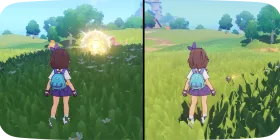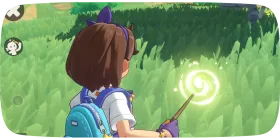
Friends, visits and the Friendship Tree in Roco Kingdom
Looking to make some new friends? Just enter their student ID to send them a friend request.
1Friend System

Go Make Friends!
Looking to make some new friends? Just enter their student ID to send them a friend request.
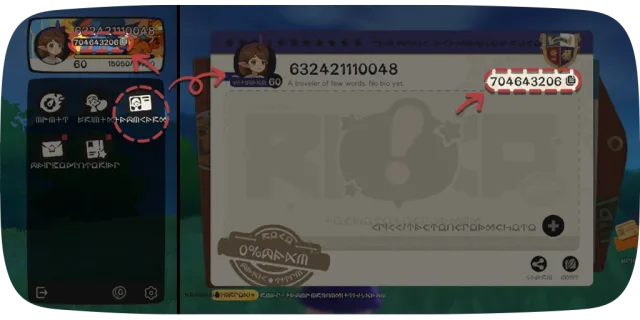
Your Student ID
You'll find your own Student ID right on your Name Card.
2Friendship Tree
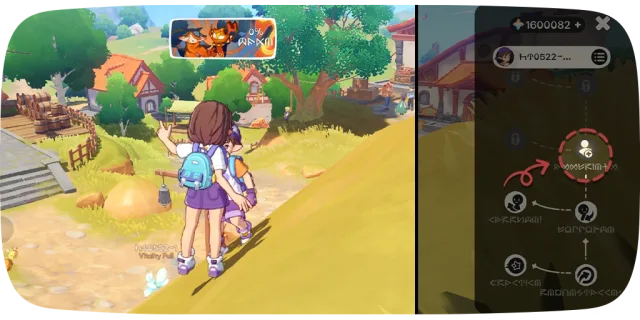
Unlock the Friendship Tree
When you get close to another player, press the interaction button to open the Friendship Tree interface.
Hit Add Friend on the tree to send them a friend request.
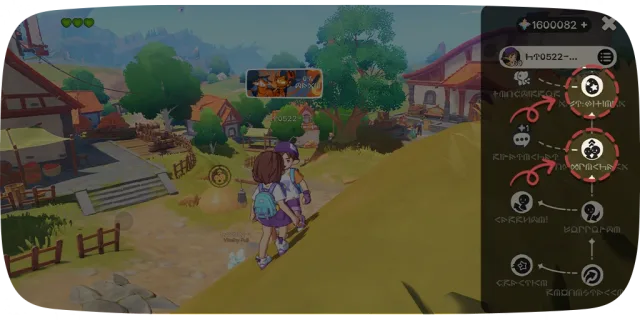
Company & Gifts
Once you're friends, a little companionship goes a long way. Stay close to each other, and you'll automatically restore stamina for one another—keeping your adventure going strong!
You can also gift one Jini Egg to the same friend each day. But rare eggs? Those are off the table—you'll have to hatch those yourself!
3Visiting & Traveling Together
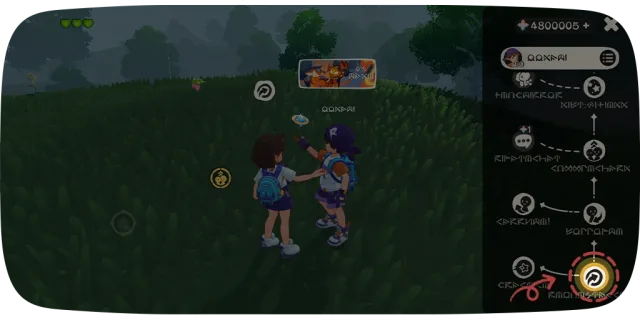
Visiting Other Worlds
Looking to explore another player's world? Hit Request Access on the Friendship Tree to ask for permission.
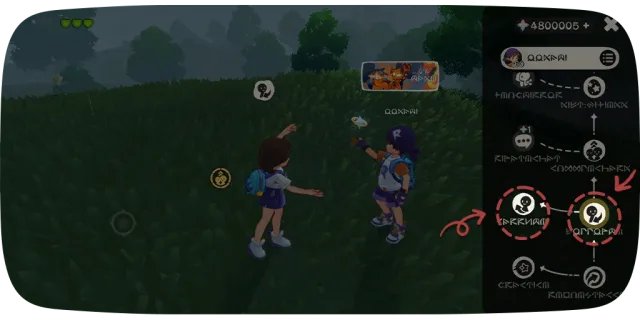
Better Together
Tag Along: Want to follow someone's lead? Send a Companion request. If they accept, you'll travel together!
Bring You Along: Invite another player to follow you. Once they accept, Companion mode begins.
Whether you're taking in the sights or battling tough foes, adventuring side-by-side beats going solo any day!
4Jini Tree
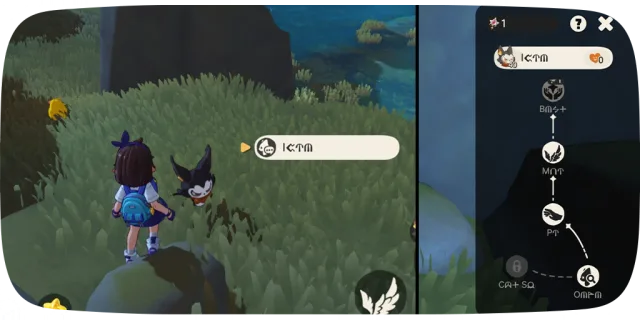
Unlock the Jini Tree
When you're near your own Jini or someone else's, press the interaction button to open the Jini Tree interface.
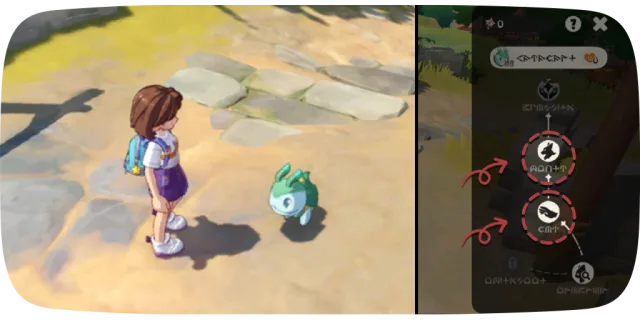
Bonding Interaction
There, you can press Pat Head for a friendly interaction, or press Mount to travel on the back of your Jini.
5Name Card System
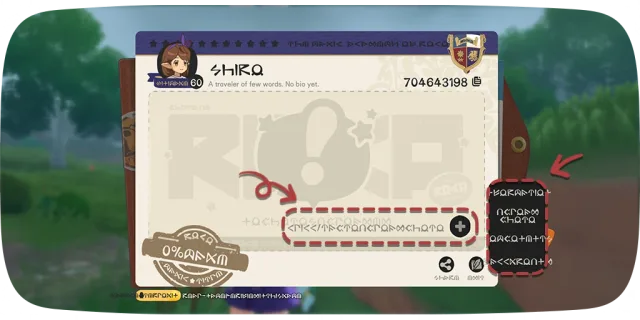
Making an Impression
Never underestimate your Name Card! It's the first impression you make on other mages.
Customize your profile here and show off your favorite snapshots from the road.
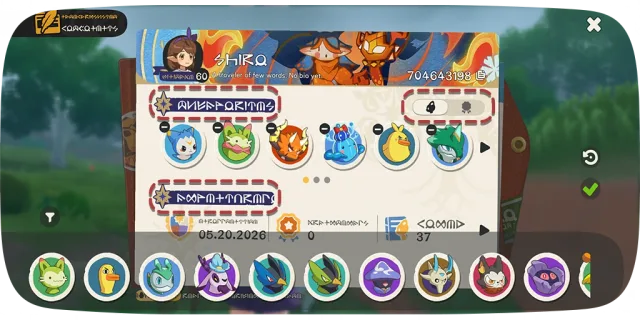
Displaying Your Triumphs
You can even display your favorite Jinies and Costume Badges. Turn your Name Card into a personalized scrapbook to show off your proudest achievements!
6Emote System
7Good to know

Step into the shared zone near the Manabough to mingle with other Rocos. Open the Friendship Tree, and press Request Access. Once approved, you can jump right into their world for a co-op adventure. Who knows what new Jinies you might run into!
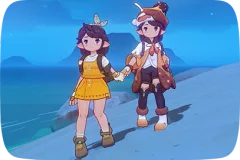
Stand near a Friend to send a "Bring You Along" or "Tag Along" request. You can choose to either lead the way or follow along! Rocos holding hands naturally accumulate Starlight together. Grab a buddy's hand and go explore the world!
Once you make a friend, you can spend Wishing Stars to unlock special perks together. Give it a shot!
Step into the shared zone near the Manabough to mingle with other Rocos. Just interact with someone to open the Friendship Tree and add them as a friend!
Stand near a Friend to send a "Bring You Along" or "Tag Along" request. While adventuring in Companion Mode, any Jini you capture grants bonus Starlight to both of you!
Capture a Jini while in Companion Mode using a Basic, Advanced, or Condition Pod? You can gift it directly to your partner! Just press the Companion Gift icon in the top right of the Jini menu within 4 hours of capturing it.
Once you unlock the fourth Wishing Star node with a Friend, you can gift each other non-Rare Jini Eggs.
Got spare regular Jini Eggs? Trade them with a friend! Once hatched, these two Jinies will grow into a living symbol of your bond.