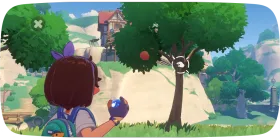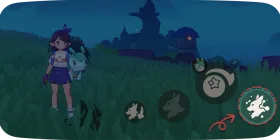
Movement controls on PC and mobile in Roco Kingdom
Use the WASD keys to move your character.
Hold Left Shift or right-click to sprint.
Press Spacebar to jump!
1Movement Controls
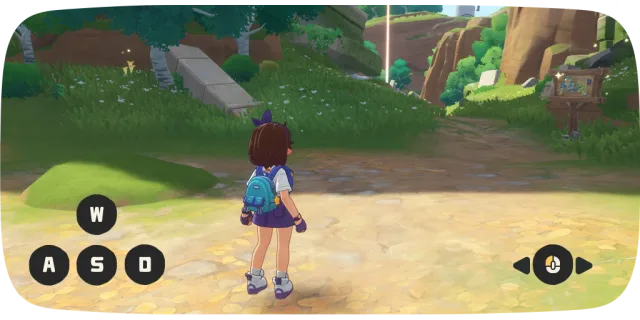
Take a Walk!
Use the WASD keys to move your character.
Hold Left Shift or right-click to sprint.
Press Spacebar to jump!
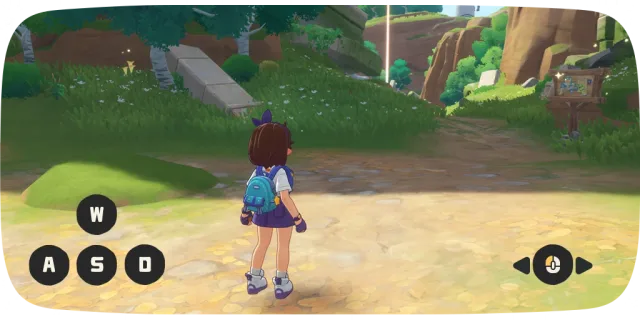
Look Around!
Move your mouse left or right to adjust the camera and look around.
2Summon Your Cursor

Free the Cursor
Need to press something? Just hold the Left Alt key to free your mouse cursor!
3Advanced Interface Controls
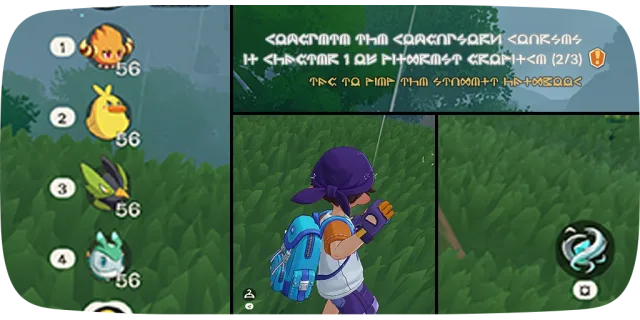
Hold for Shortcuts!
Try pressing and holding parts of your menu—like the Jini Portrait (Keys 1–6), Quest Tracker (V), Main Character, or Magic (Q) buttons.
It's a handy shortcut straight to their menus!
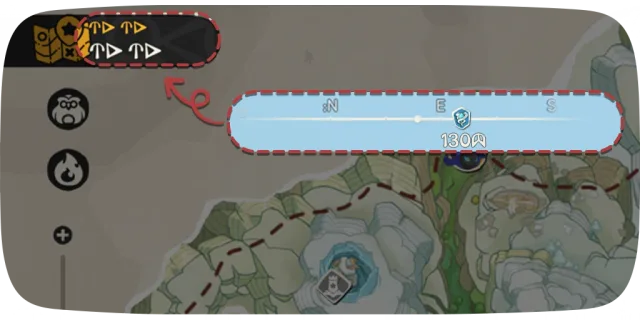
Instant Map Access
Press the navigation bar at the top of the main menu for instant Map access.
Don't get lost out there!
4Quick Switch Jini/Buddy Pod

Quick-Switching Jinies
While holding the "Throw" button, you can scroll the mouse wheel to switch lineups. Select a Jini from the new lineup to quickly choose your starter Jini!
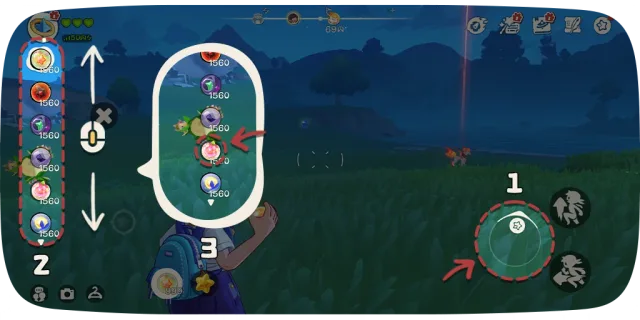
Quick-Switching Buddy Pods
Similarly, while holding the "Throw" button, scroll the mouse wheel to browse more Buddy Pods and select one to use.